WP replies not federating back out?
-
Hey @pfefferle@mastodon.social just wanted your eyes on this WP post:

Working full time on the Social Web
In January 2026, I will begin working full time in my role as Director at the Social Web Foundation. I am looking forward to the challenge of growing this young non-profit and fulfilling our mission to make a bigger, better Fediverse. As a refresher: I have been working in the area of federated social networks…
Evan Prodromou's Blog (evanp.me)
Evan is replying but I'm not seeing any of them, including the reply to my reply.
Was it just not federated to me? Addressing issue perhaps?
-
@pfefferle@mastodon.social
contextalso doesn't seem to contain the replies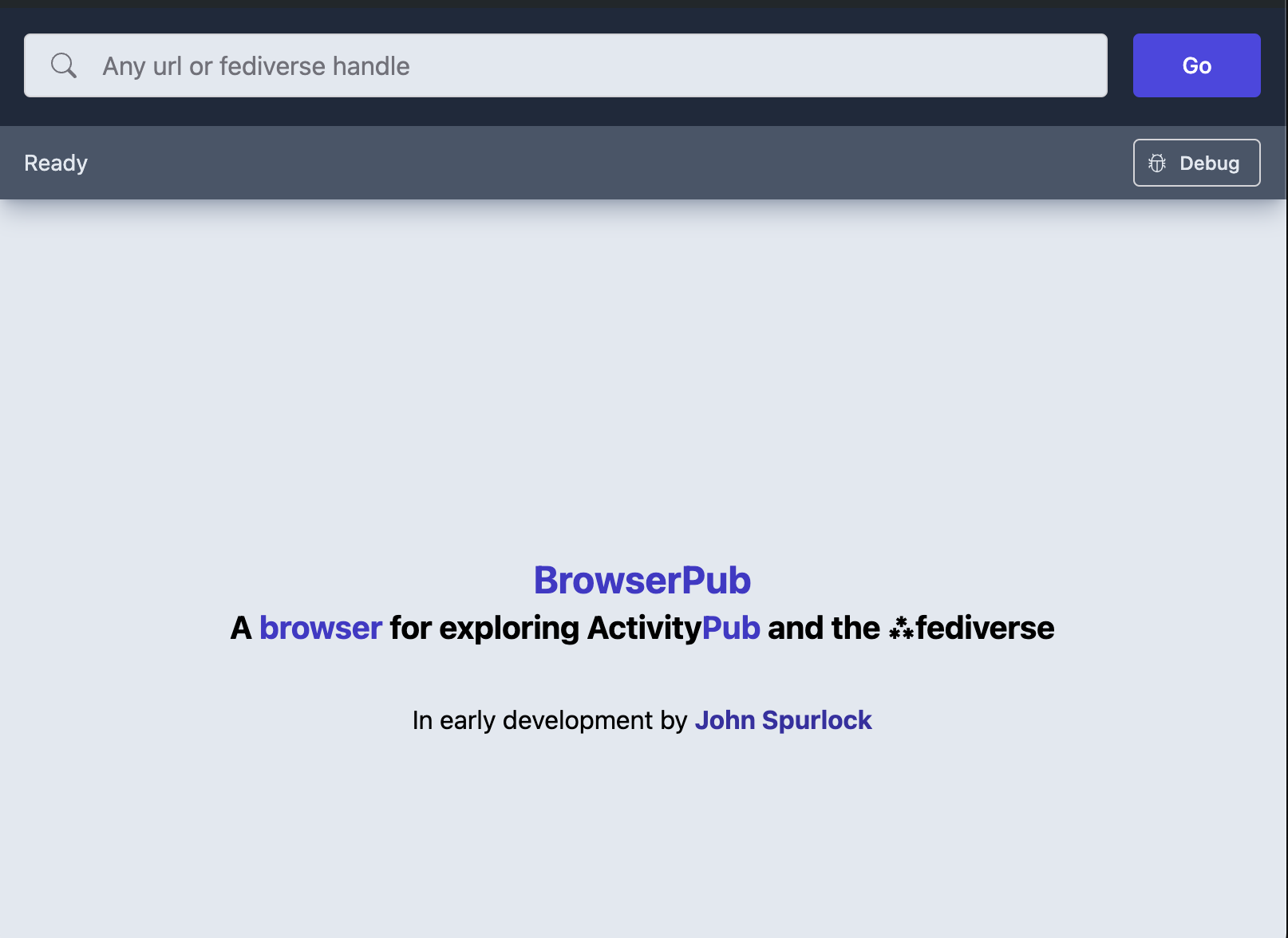
https://public-api.wordpress.com/wpcom/activitypub-1.0/sites/12714086/posts/3509/context · BrowserPub · A browser for exploring ActivityPub and the fediverse
Explore the open social web through the lens of ActivityPub and the fediverse.
(browser.pub)
-
@pfefferle@mastodon.social ah thank you for your time and attention

-
@pfefferle @julian oh! How do I fix that?
-
@pfefferle @julian oh! How do I fix that?
-
@pfefferle @julian oh! How do I fix that?
@evan are you logged in to your site or only to wordpress.com main site?
-
@pfefferle @julian oh! How do I fix that?
@evan have you replied through the comments section or somewhere in the admin panel?
-
@pfefferle @julian Oh, of course! Please enjoy your time off; I'll bug you about it next week, when reality returns.
-
@evan are you logged in to your site or only to wordpress.com main site?
@pfefferle This is such an interesting question! I'm learning a lot just by being asked. I didn't know there was a difference and I'm not sure how I'd log into my blog separately from logging into dot-com. Here's a quick screencast of my login process. (Please don't copy my password; it's 18 asterisks in a row. I use it on a lot of web sites so it's pretty important that it stays secure.)
-
@evan have you replied through the comments section or somewhere in the admin panel?
@pfefferle in the admin panel!